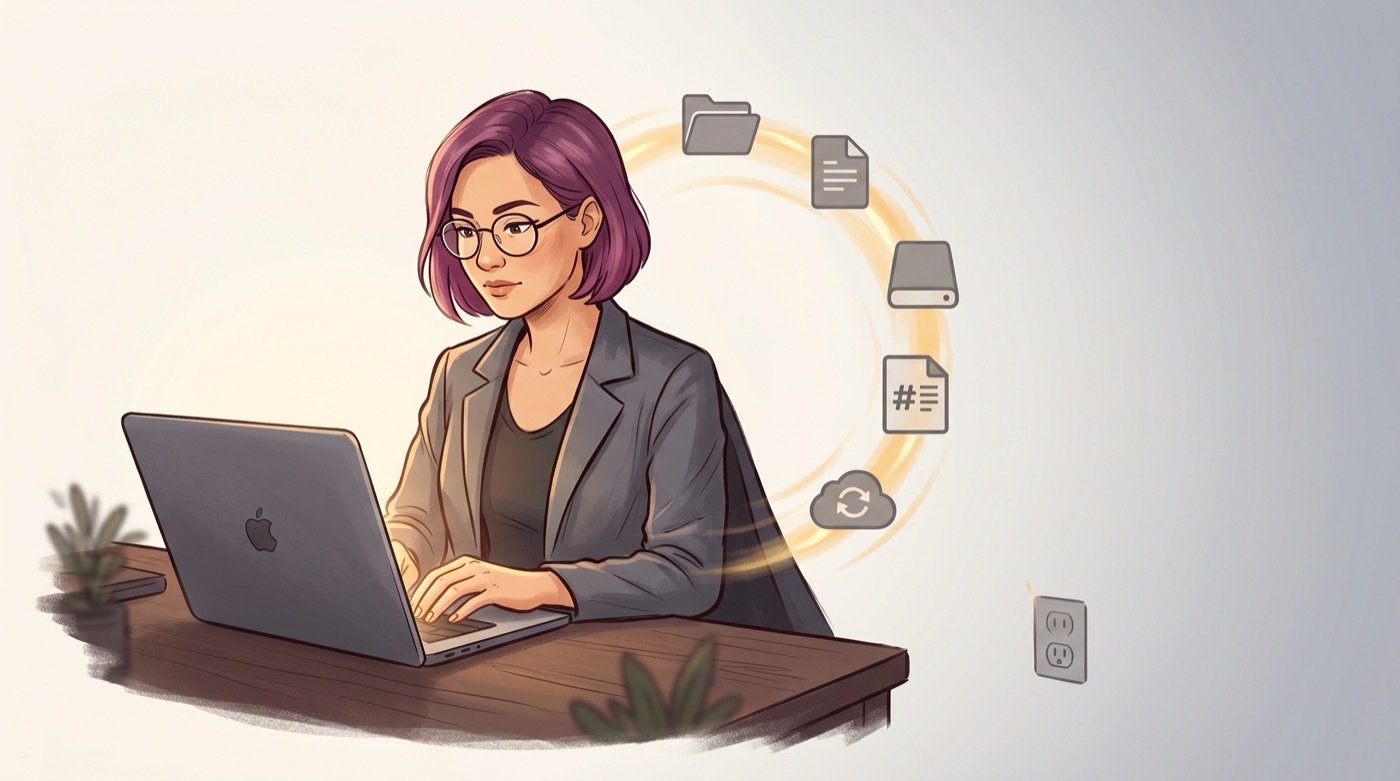
On 28 April 2025, the lights went out across Spain. The Iberian power grid failed in the largest blackout the peninsula had seen in decades. Hospitals switched to generators. Traffic lights went dark. Mobile networks stuttered and then dropped. For millions of people, everything connected to a power socket or a cell tower simply stopped.
My work relies on online connectivity for communications, so I didn’t exactly keep “business as usual”. BUT, I did not lose one byte of data, and I was even able to keep editing a book manuscript I was working on, quite enjoying the peace and quiet while we waited for the grid to be restored.
Not because I had some elaborate disaster recovery plan, and not because I’d invested in enterprise-grade infrastructure. I was able to continue working because my files were on my laptop, in formats I could read with any text editor, backed up to a local drive that didn’t need the internet to function. When the power came back – and it did, eventually – there was nothing to recover, nothing to resync, nothing to rebuild.
I was glad to see my laptop battery recharging, while my work just carried on.
That experience crystallised something I’d believed in theory but hadn’t fully tested in practice: if your business depends on services you don’t control, your business is only as resilient as those services.
What “local-first” actually means
Maya: Every note I have is a Markdown file in a folder on my hard drive. Every document in Google Drive is synced locally. Obsidian is just a viewer – a very good viewer with linking and search and plugins, but fundamentally it reads and writes plain text files. If Obsidian disappeared tomorrow, I could open every single note in TextEdit, or VS Code, or literally any application that reads text.
My website source code lives in a git repository on the same machine. The images, the content, the templates – all local files. Deploying the site requires internet access, obviously, but the source of truth is always my hard drive.
This wasn’t a deliberate resilience strategy when I started. It was just how Obsidian works and how Jim set up the website. But the blackout made me realise how much quiet safety that architecture provides.
Jim: I’ve spent twenty years across enterprise systems and cybersecurity, and the single most important lesson I’ve learned is this: the question is never “will something go wrong?” The question is always “when it goes wrong, how fast can you recover?”
Every system we build for Solopreneur Superpowers clients has that thinking baked in from the start. Not as an afterthought, not as a premium add-on – as a fundamental design principle. Your notes should be readable without any specific application. Your website should be rebuildable from a folder of files. Your content should be exportable at any time, in standard formats, without asking anyone’s permission.
The cloud isn’t the enemy – dependency is
Let me be clear: we use cloud services. Kit handles email newsletters. The website is hosted on a server somewhere. Google Calendar manages scheduling. Stripe processes payments. We’re not suggesting you run everything off a Raspberry Pi in your garage.
The principle is subtler and more important than “avoid the cloud.” It’s this: never let any cloud service be the only copy of anything that matters to your business.
Maya: My newsletter subscribers are in Kit, but I also have a CSV export that gets updated regularly. My website is hosted remotely, but the source code is local and in git. My calendar is in Google, but my projects and notes – the actual intellectual output of my work – live on my machine.
If Kit changed their pricing to something I couldn’t afford, I’d lose the sending platform but keep every subscriber relationship. If my hosting provider vanished overnight, I’d have the entire website ready to deploy elsewhere within hours. If Google decided to sunset Calendar (they’ve sunset worse), my actual work wouldn’t be affected.
Jim: The technical term for this is “portability,” and it’s the thing most SaaS vendors actively work against. They want lock-in. They want your data in their proprietary format, accessible only through their interface, exportable only in some mangled CSV that loses half the structure. Every time you choose a tool, you should ask: “Can I leave? And what do I take with me when I go?”
The AI question
This matters especially right now, because we’re all building workflows that depend on AI providers. And AI providers are young companies in a volatile market. If Anthropic disappeared tomorrow – and I genuinely hope they don’t, because Claude is remarkable – what would happen to your AI-powered workflow?
In our case: the notes would still be there. The Obsidian vault would still work. The website would still build. The Todoist tasks would still exist. We’d lose the AI processing layer – the morning routine, the inbox processing, the weekly review automation – and that would hurt. But we’d lose a tool, not our data.
That’s the critical distinction. Tools are replaceable. Data is not. Workflows can be rebuilt on a different platform. Your accumulated notes, your client relationships, your project history – those can’t be recreated from scratch.
Jim: When I build a system, I think about it in layers. The foundation layer is your data – files, notes, content. That layer should be completely independent of any tool. The middle layer is your organisation – folder structure, naming conventions, metadata. That should work with any application that reads files. The top layer is your automation – AI processing, integrations, scripts. That’s the layer you can swap out without touching the others.
Most people build these layers in the wrong order. They start with the shiny automation, build their organisation inside a specific tool, and end up with data they can’t extract. We start from the bottom: get the data layer right, and everything above it becomes replaceable.
One year later
It’s just over a year since the Spain blackout, and the lessons have only become more relevant. More people are building AI-dependent workflows. More businesses run entirely on cloud services. More solopreneurs are trusting their livelihoods to platforms they don’t control and can’t inspect.
Of course, none of that is inherently wrong. Cloud services are powerful, AI is transformative, and trying to do everything locally in 2026 would be absurd. But there’s a difference between using these services and depending on them – between having a cloud backup and having the cloud as your only copy.
Maya: The blackout lasted hours, not days. Most people’s cloud services were fine once the power came back. But it was a visceral reminder that infrastructure fails. Not theoretically, not in some hypothetical scenario – actually, on a random Monday afternoon, with no warning.
Since then, I’ve become much more intentional about where my data lives. Every new tool gets evaluated on its exit strategy before I evaluate its features. Every workflow gets tested against the question “what if this service isn’t available tomorrow?” Not because I’m paranoid, but because resilience is a design choice you make upfront. You can’t bolt it on after the crisis.
Jim: The best security thinking is invisible. You don’t notice it when things are working – you only notice its absence when things go wrong. A well-built solopreneur system should feel exactly the same way. It just works, day after day, and you never think about resilience until someone asks you about it. That’s the goal.
If you want to test your own resilience, try this: turn off your WiFi and see how much of your business you can still access. If the answer makes you uncomfortable, we should talk.
Your business should survive anything short of losing the laptop itself – and even then, a backup should get you running within hours. That’s not paranoia. That’s just good engineering.